Theme Installation ↑ Back to Top
Please, read the whole section, before attempting to install the theme.
it is recommend to always backup your system before making any upgrades or changes!
it is recommend to always backup your system before making any upgrades or changes!
Installation↑ Back to Top
- Go to "Design -> Theme Store"- Here three variants are available of "Rhythm theme"
1. Game(default)
2. Music
3. Movie
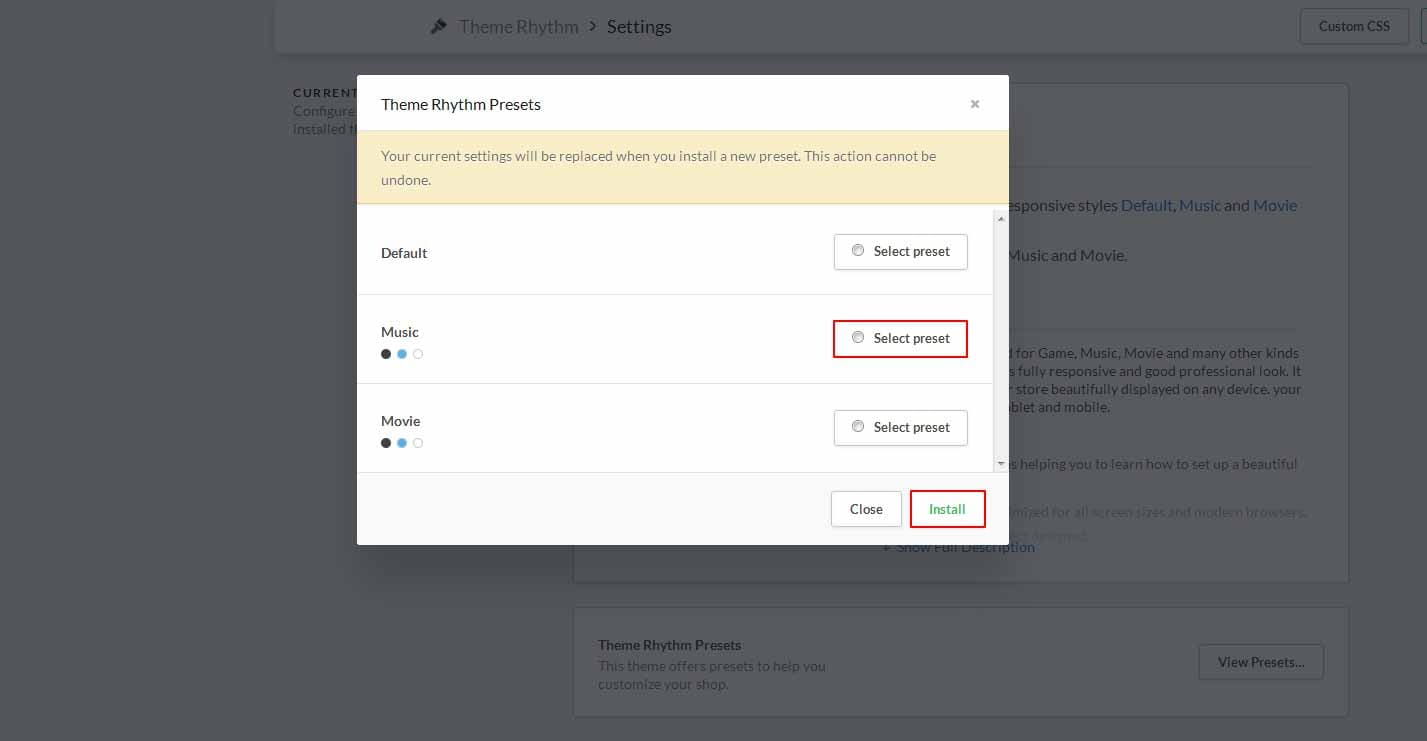
Here you will see 3 variants presets in Design -> Theme Editor -> Theme Settings -> View presets than after select any presets that you want to apply your theme store and click on install button. By default, Game preset is installed.
Featured Products↑ Back to Top
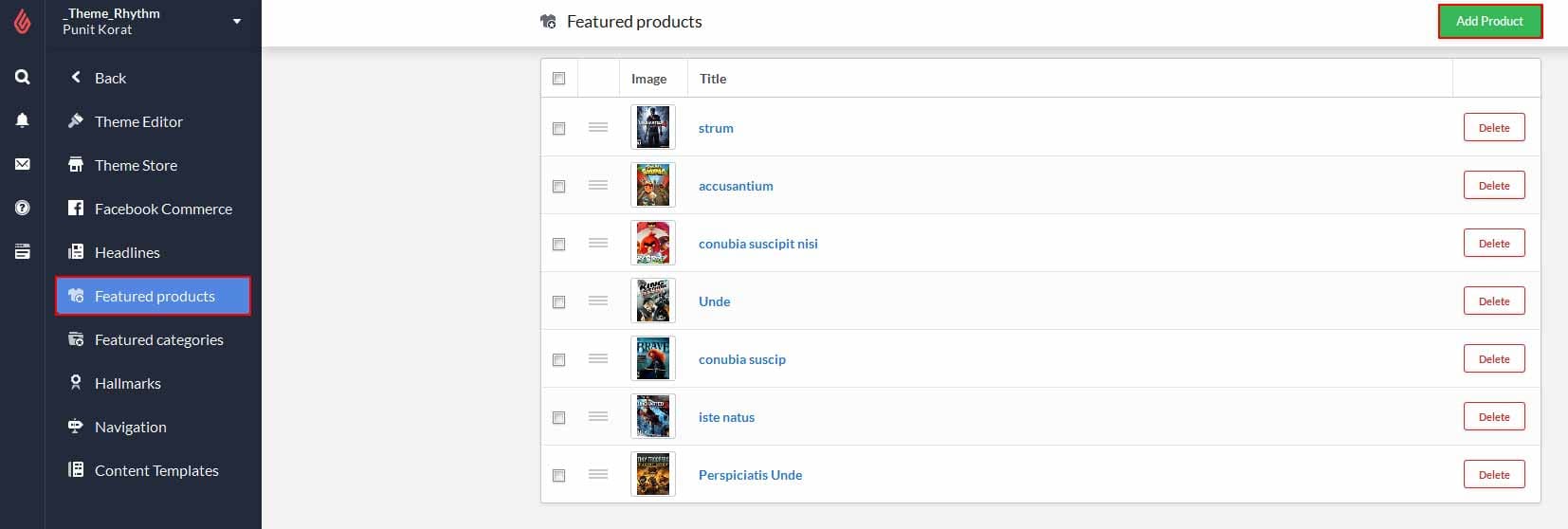
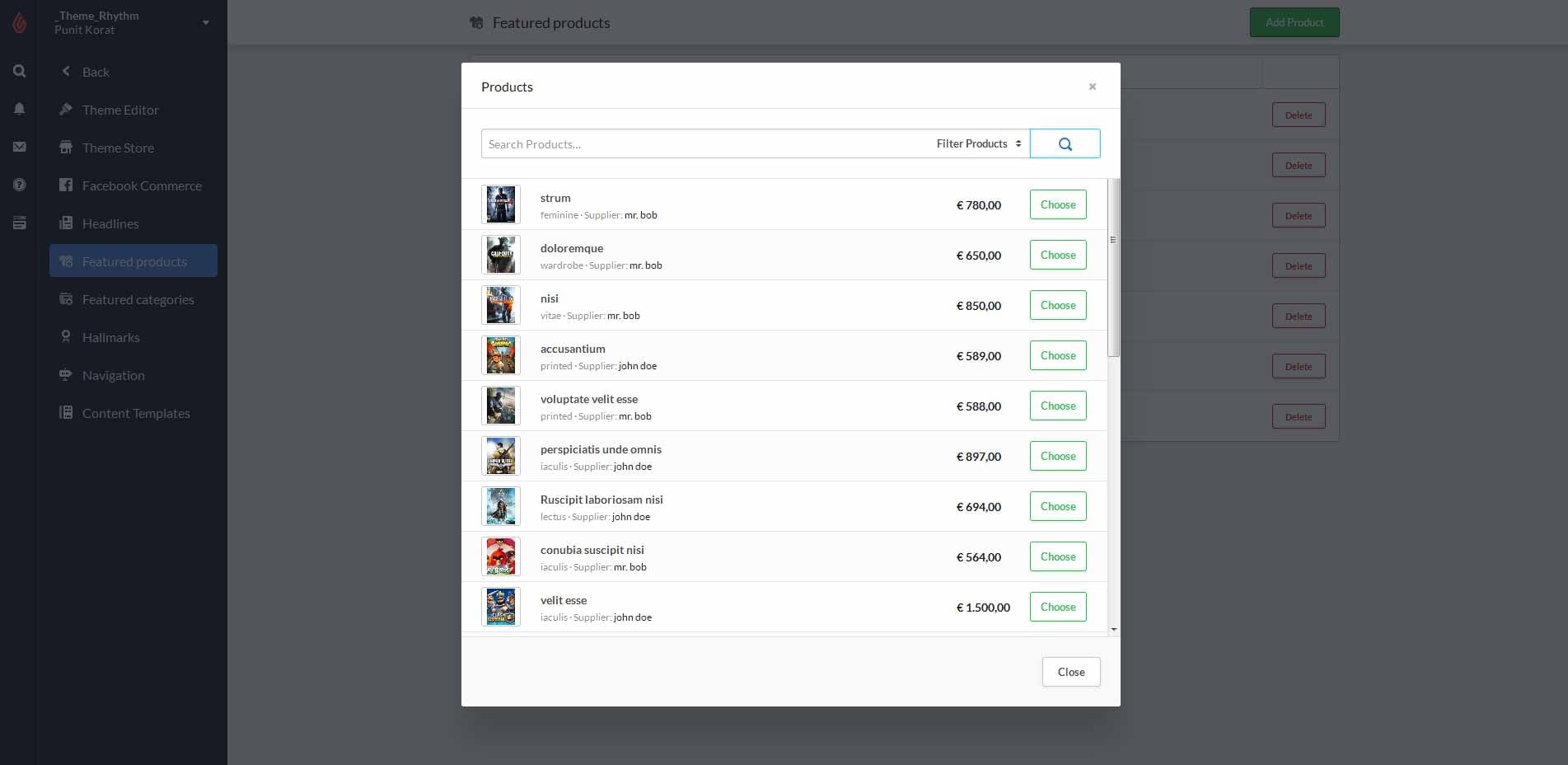
- Go to "Design -> Featured Products", Here you will see number of products are available.- Click on "Add Product" button at top-right corner, and choose product that you want to assign as featured product.
Blogs↑ Back to Top
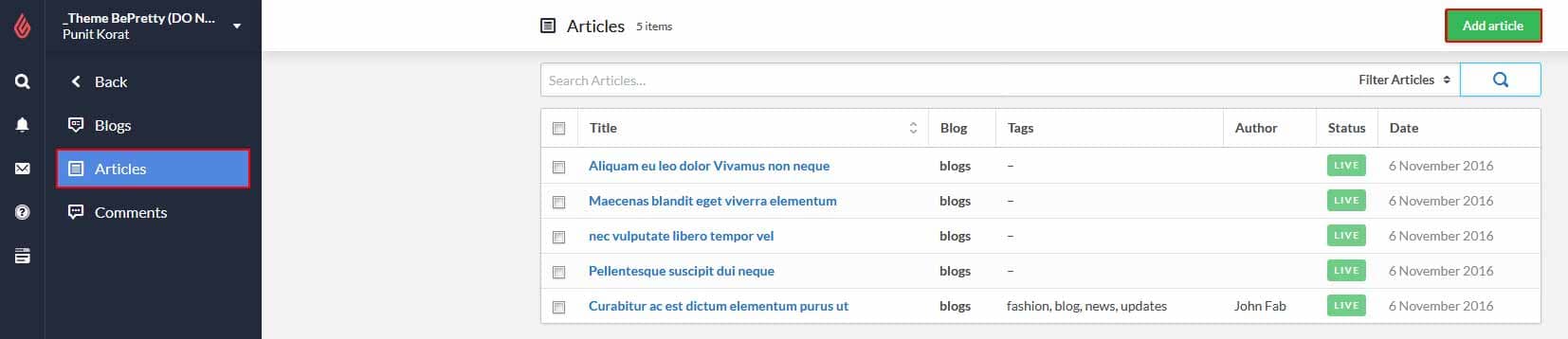
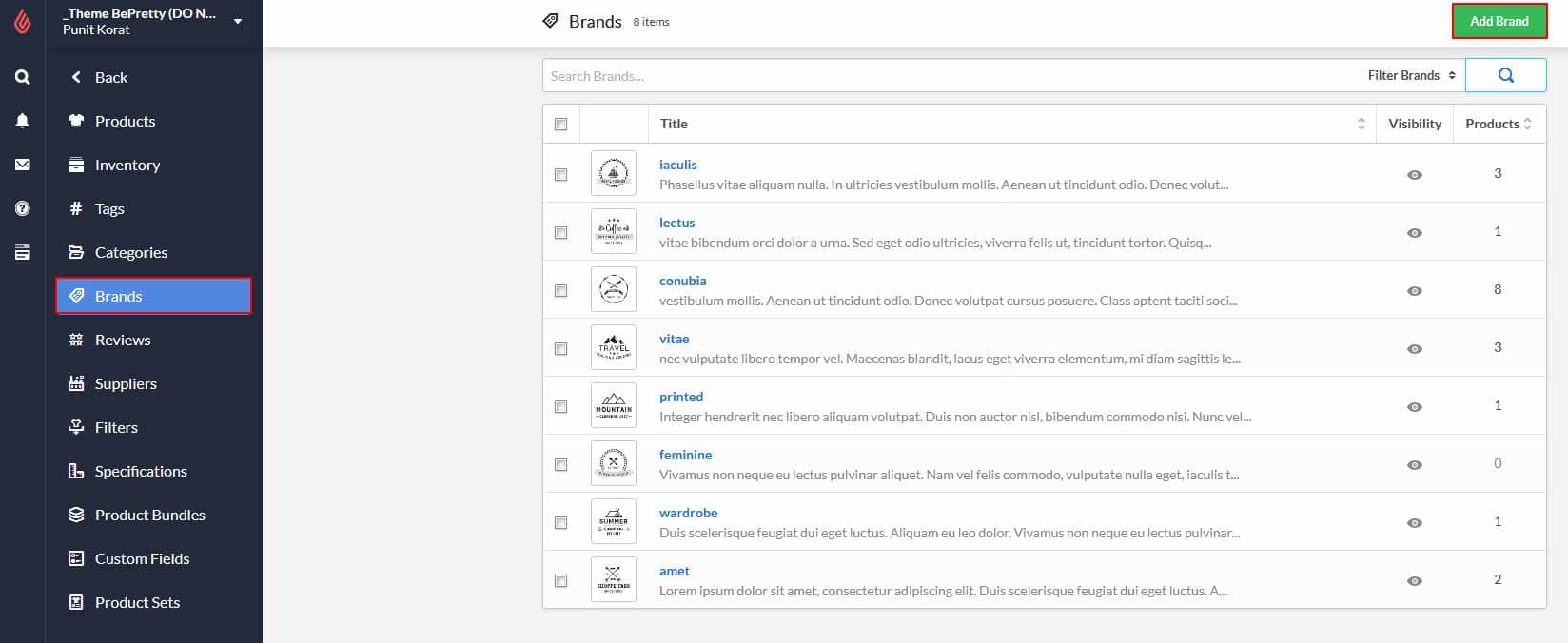
To add blog go to backoffice -> "Blogs".Click on "Add a blog" button.

and blog image size must be (870px x 564px).
Theme customize Setting↑ Back to Top
for theme customization, go to Design -> theme settings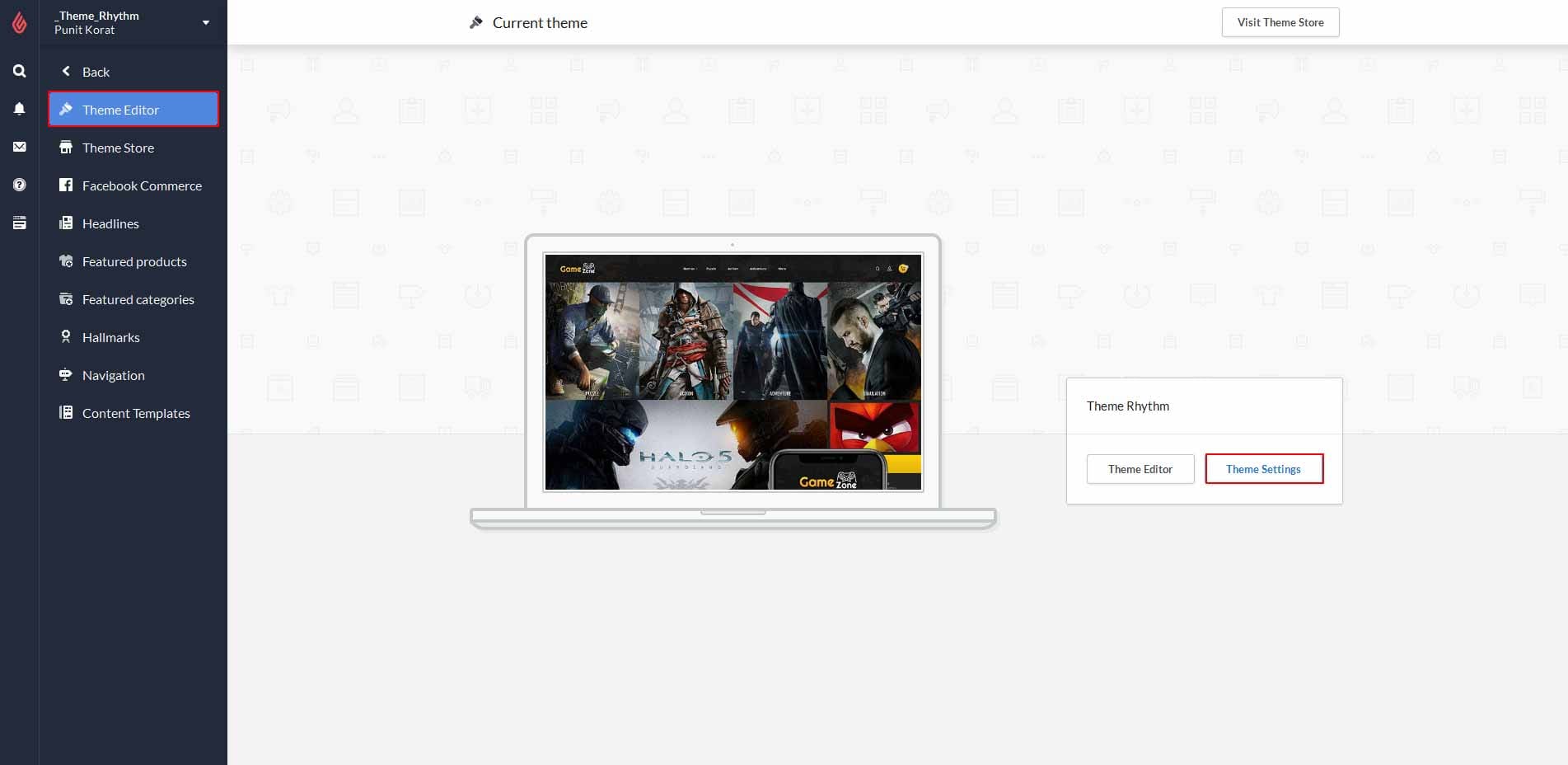
1. Background↑ Back to Top
Background section contains all changes about to the body background, header, navigation nd footer.
2. Typography↑ Back to Top
- Typography section contains changes about to the fonts available in theme store.- To set theme heading font, body font, highlight, button, top bar, footer, header, body text colors.

3. Presets Menu↑ Back to Top
Default Menu settings.- this preset menu settings contains preset image, URL, title.

4. Slider↑ Back to Top
Default homepage slider settings.- this settings contains slider image, position, URL, title, subtitle and title, subtitle color. (slider image size must be 1903px x 840px)

5. Category Feature↑ Back to Top
category feature homepage slider settings.- this settings contains categoryslider image, position, title and description. (slider image size must be 480px x 600px)

6. CMS Banner↑ Back to Top
CMS banner contains settings related to banner.- CMS banner added banner image, title, subtitle, text that you can modified as per your requirement.
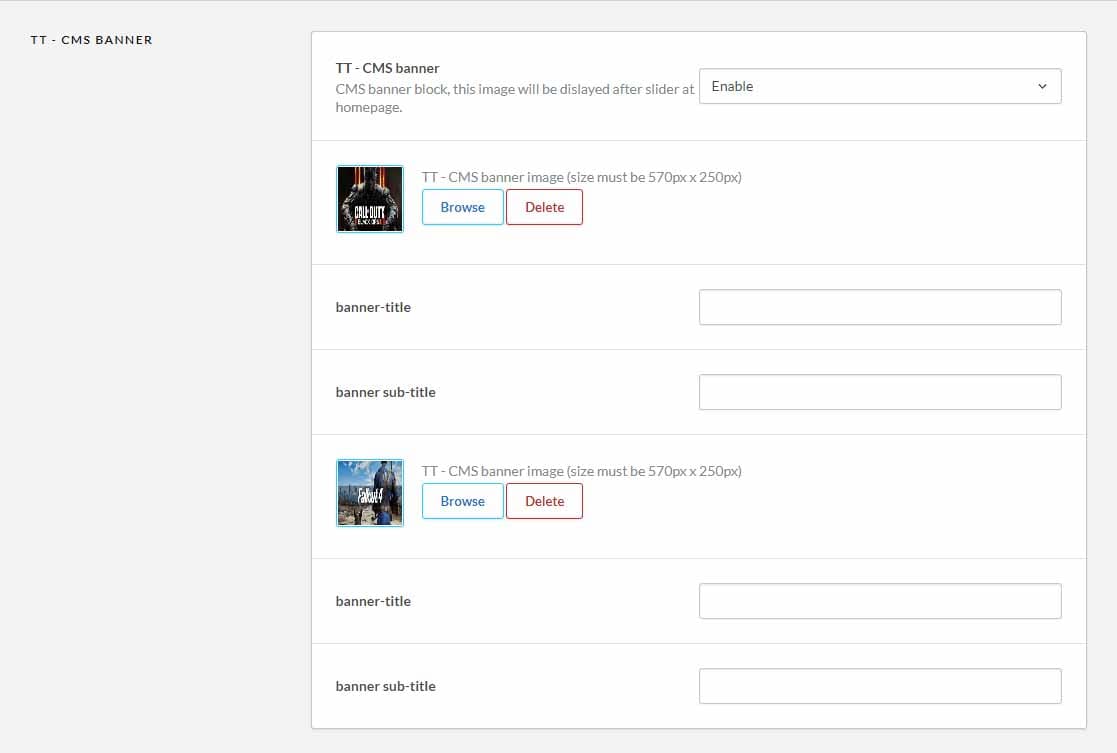
2) banner2 image size: 570px x 270px
7. Testimonial Block↑ Back to Top
Testimonial Block contains settings related to testimonials.- testimonial block added customer image, customer name, customer designation, cutomer review text.

8. Services Block↑ Back to Top
Services Block contains settings related to Services.- it added service image, service title and service description text.

9. Right Banner↑ Back to Top
Right banner contains settings related to sidebar banner.- Right banner that display at sidebar of homepage as well as collection page and product page also that includes right banner image.
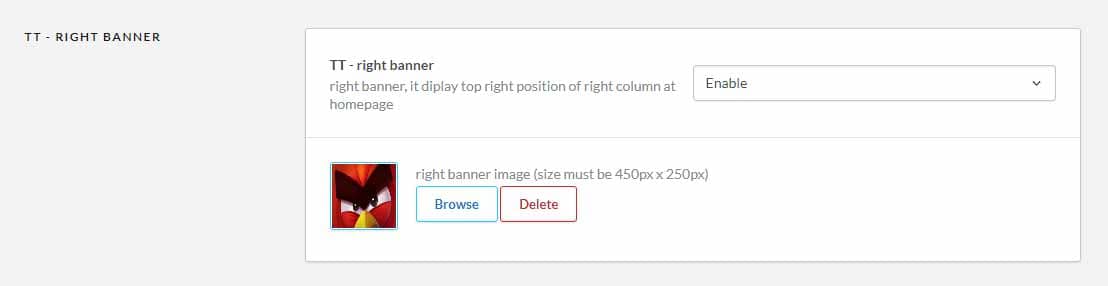
10. RightBottom Banner↑ Back to Top
Rightbottom banner contains settings related to sidebar banner.- Rightbottom banner that display at sidebar of homepage as well as collection page and product page also that includes rightbottom banner image.

11. Bottom Banner↑ Back to Top
Bottom banner contains settings related to bottom banner.- bottom banner that display after testimonial in homepage.
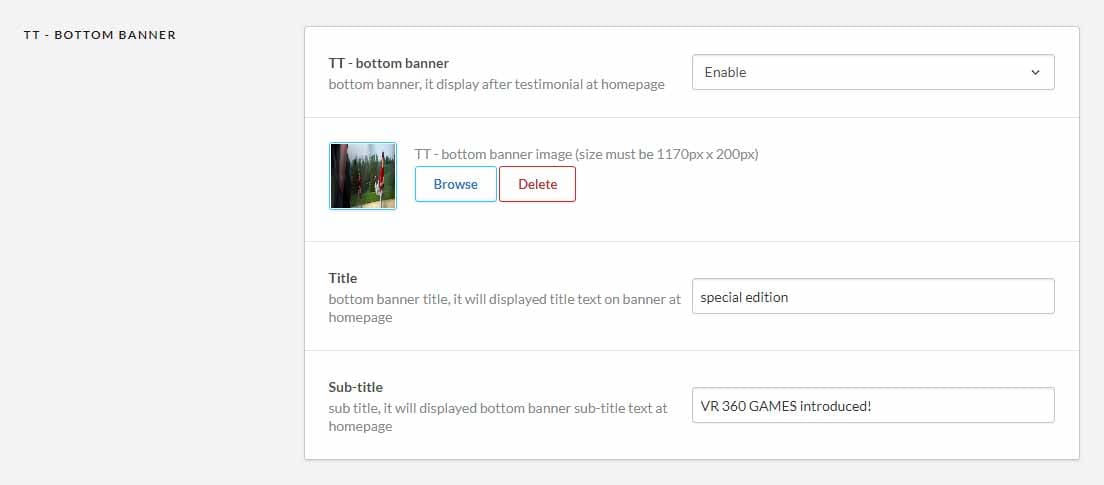
12. General settings↑ Back to Top
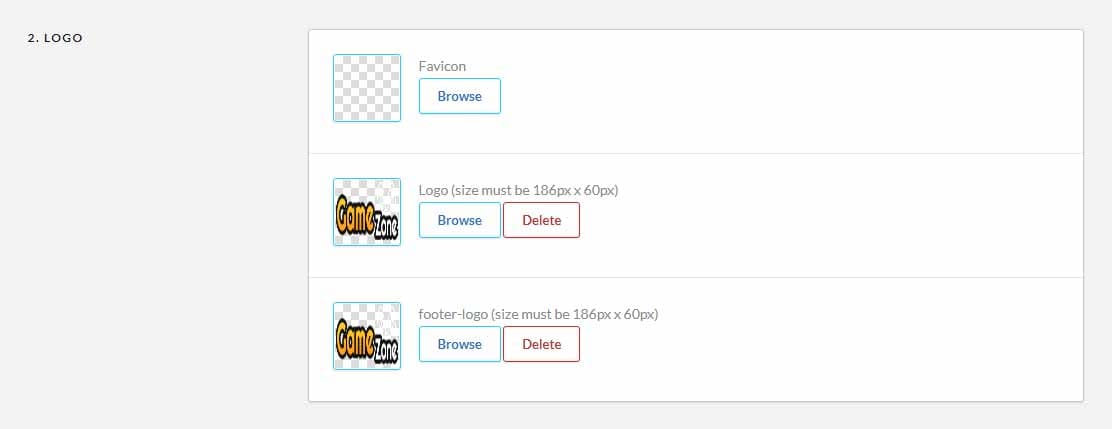
Logo : Logo settings contains logo of theme store.- Here you can upload theme logo, footer logo and theme favicon.(logo image size must be 186px x 60px)
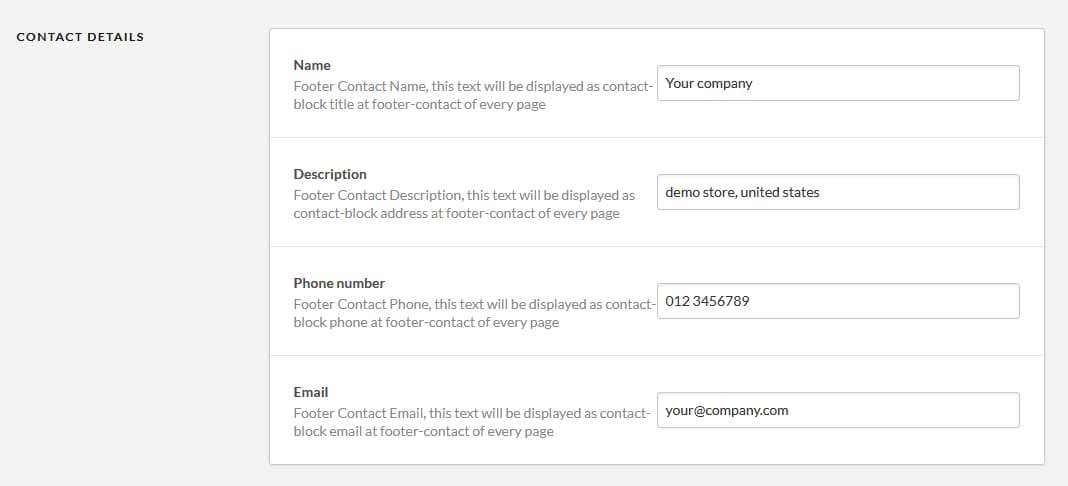
Contact Details : Contact details contains contact information of theme store.
- Here you add your company name, description, phone number and Email text.
Social : Add your URLs to specific social media to show the icons in the footer. Other than that leave blank.

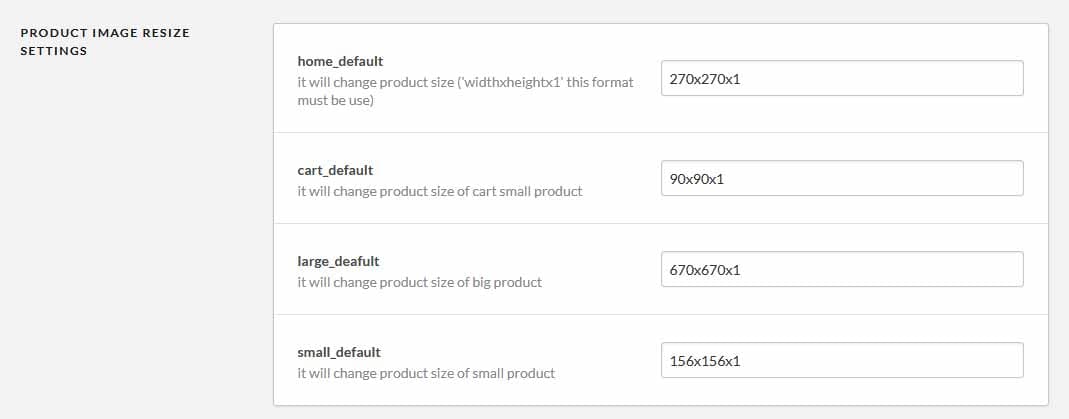
Product Image size settings : product image size settings contains size of product.
- Here you can modified your theme product image dimensions, in the format of (height x width x 1).